Creating an RSVP Form with Fabform.io
Step-by-step guide to building and embedding RSVP forms using Fabform.io for event management.
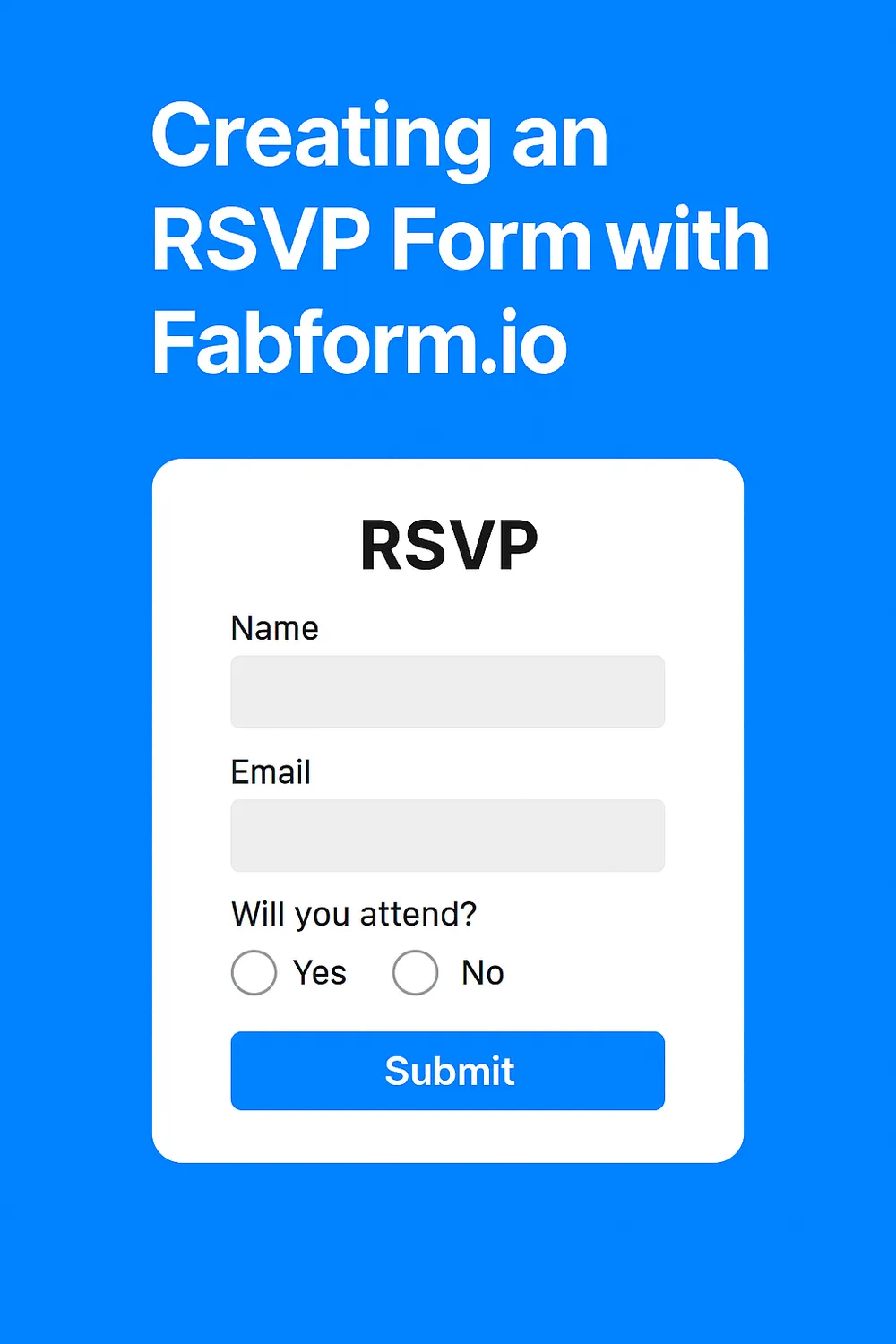
RSVP forms are a simple yet powerful way to manage event attendance. With Fabform.io, you can quickly build and deploy an RSVP form without writing complex backend code.
- Sign up or log in: Create an account at Fabform.io.
- Create a new form project: From the dashboard, start a new form project.
- Form fields: Add fields such as Name, Email, Number of Guests, and Attendance Confirmation (Yes/No).
- Customization: Style the form to match your event branding using Fabform.io’s customization options.
- Submission endpoint: Fabform.io provides a unique endpoint URL for your form.
- Notifications: Enable email notifications so you receive alerts when someone submits an RSVP.
- Data storage: Choose whether to store submissions in Fabform.io or forward them to your own backend.
- Copy embed code: Fabform.io generates HTML embed code for your RSVP form.
- Add to your site: Paste the code into your event website or landing page.
Step 5: Test and Launch
- Test submissions: Submit a few test RSVPs to ensure everything works.
- Go live: Share your event page with guests and start collecting responses.
- No backend coding required
- Instant notifications
- Easy integration with websites
- Scalable for large events
Perfect — let’s expand your blog post with a section on popular RSVP form types, showing how each can be built with Fabform.io. No external links, just practical examples of how Fabform.io’s features apply.
Fabform.io makes it easy to adapt RSVP forms for different events. Here’s how you can configure each type:
-
Wedding RSVP
Use conditional logic to ask about meal preferences, plus-one confirmations, and song requests. Fabform.io’s data export lets you generate a guest list with dietary notes for caterers.
-
Corporate Event RSVP
Add fields for company name, job title, and session selection. Use instant redirects to send attendees to a calendar invite or event agenda after submission.
-
Birthday or Anniversary RSVP
Keep it simple with name, guest count, and dietary needs. Customize the form styling to match the party theme, and enable email notifications for quick updates.
-
Fundraiser or Charity Event RSVP
Include donation options or volunteer sign-up checkboxes. Fabform.io can forward submissions to your CRM or email marketing tool for follow-up.
-
Church Event RSVP
Add family group fields (e.g., number of adults, number of children). Use Fabform.io’s CSV export to prepare attendance sheets for organizers.
-
Online Event RSVP
Collect email addresses and automatically redirect to a thank-you page with webinar links. Fabform.io’s conditional logic can segment attendees by interest or topic.
-
Party RSVP (Casual Events)
Flexible forms with guest count, special requests, and music preferences. Use instant notifications to keep hosts updated in real time.
- Conditional logic: Tailor questions based on guest responses.
- Instant redirects: Send attendees to event details or confirmation pages.
- Data exports: Generate guest lists in CSV/Excel for logistics.
- Notifications: Stay updated with real-time submissions.
- Custom styling: Match the form to your event branding.